AI video editor: video to video
Upload a clip and change it with a text instruction: restyle it, replace the background or objects, or continue the motion. The timing of the original is kept.
- Restyle footage as anime, film or 3D
- Replace backgrounds, clothes and objects
- Keep the original motion and timing
How it works
- 01
Pick a model
Every model has its strengths: compare quality, duration and price.
- 02
Add a prompt and files
Write a prompt and upload a photo, video or audio — whatever the mode needs.
- 03
Generate and download
Your result is ready in seconds to minutes. Download it in full quality.
Models for Video to video
15 models support this mode
Seedance 2.5
ByteDanceByteDance's newest: up to 30 s in one take, with audio
MiniMax H3
MiniMaxOmni-modal 2K video with native stereo sound
Kling 3.0 Omni
KuaishouKling's all-in-one: references, video editing, audio
Seedance 2.0
ByteDanceMultimodal references with native audio, up to 1080p
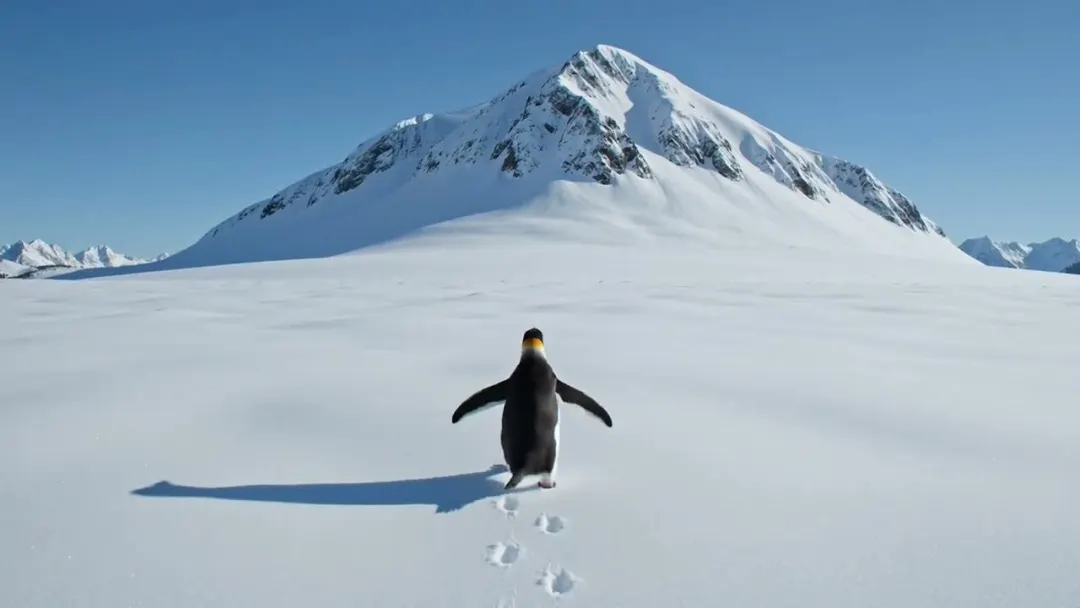
Grok Imagine Video
xAIFast, affordable video with native audio
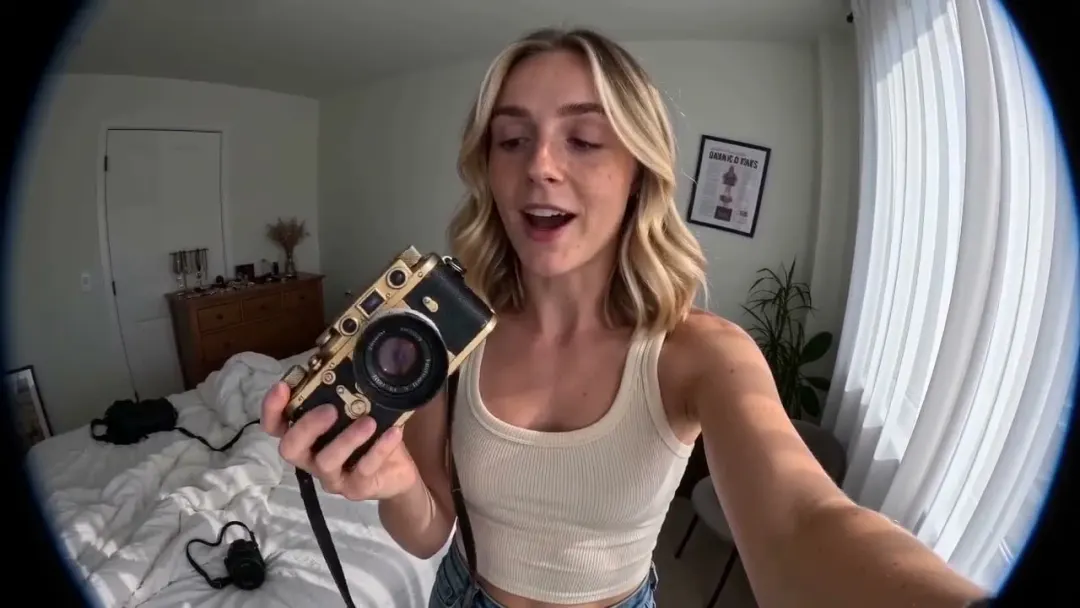
Seedance 2.0 Fast
ByteDanceFaster, cheaper Seedance 2.0 with audio
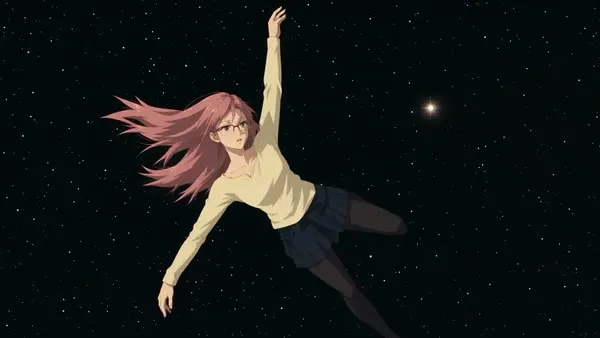
Higgsfield Genjutsu
HiggsfieldTurn one video into many: new characters, products and outfits with the same motion
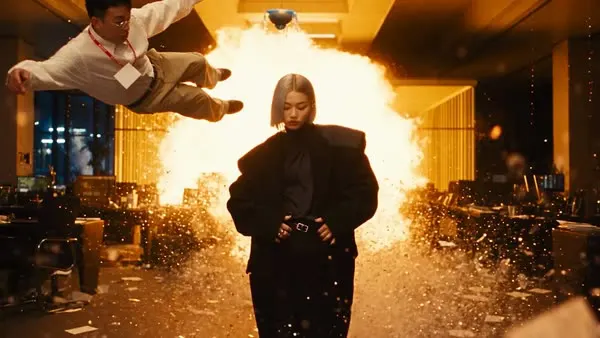
Higgsfield Genjutsu Light
HiggsfieldGenjutsu at a fraction of the price: new characters and products, same motion
Kling 3.0 Motion Control
KuaishouYour character repeats the moves from any video

Kling 2.6 Motion Control
KuaishouMotion control at the lowest price per second
Kling Omni
KuaishouKling's all-in-one model: frames, references and a video guide
Kling 4.0
KuaishouUp to 30 s cinematic video with stereo sound
Kling 4.0 Flash
KuaishouFast, low-cost Kling 4.0 in 720p with sound
Gemini Omni 1.1 Flash
GoogleGoogle's fast omni model: video with sound, 360p to 4K
FLUX 3 Video
Black Forest LabsUp to 20 s video with native audio from Black Forest Labs
Ready-made templates
Social
Pet Hug
Video → Video2 photos
Kling 3.0 Motion Control21 credits/s
Trend Videos
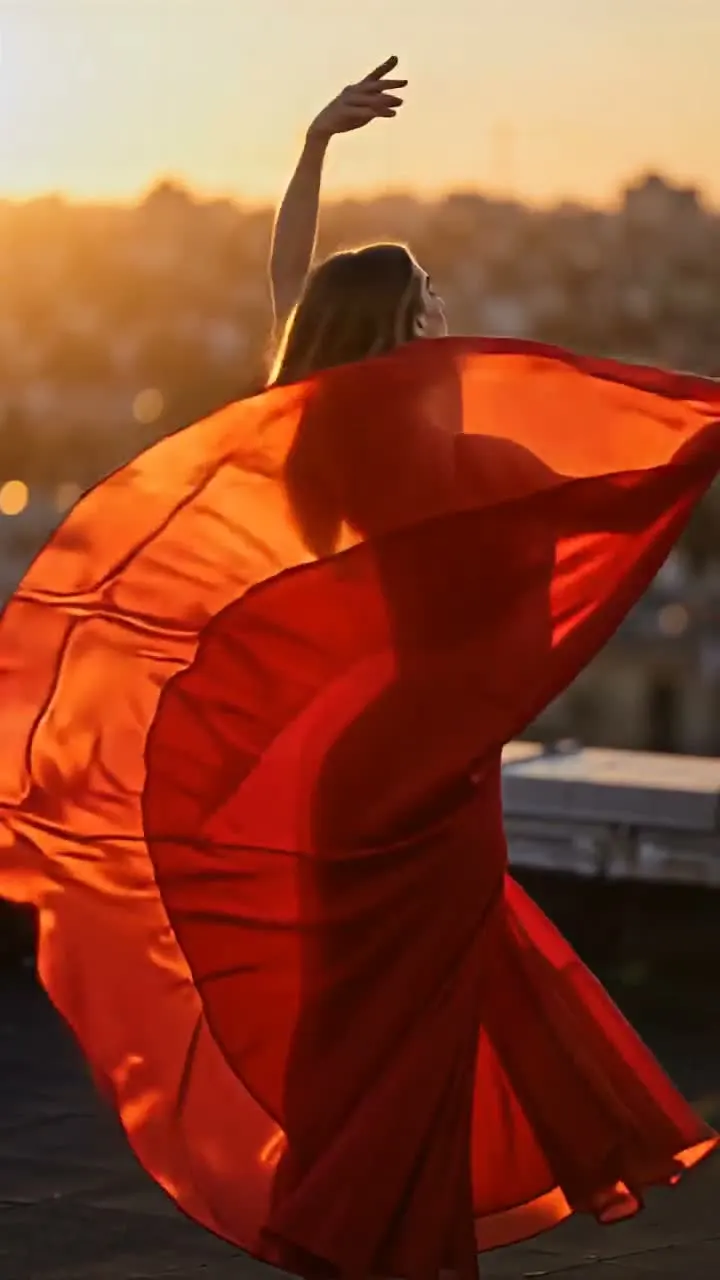
Golden Hour Spin
Motion included1 photo
Kling 3.0 Motion Control126 credits
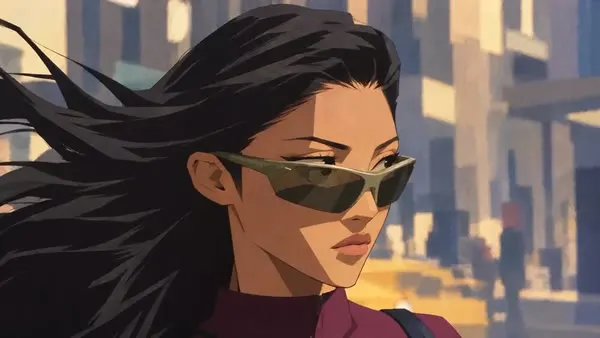
Genjutsu
Expressive 2D Cartoon
Video → Video1 video
Higgsfield Genjutsu53 credits/s
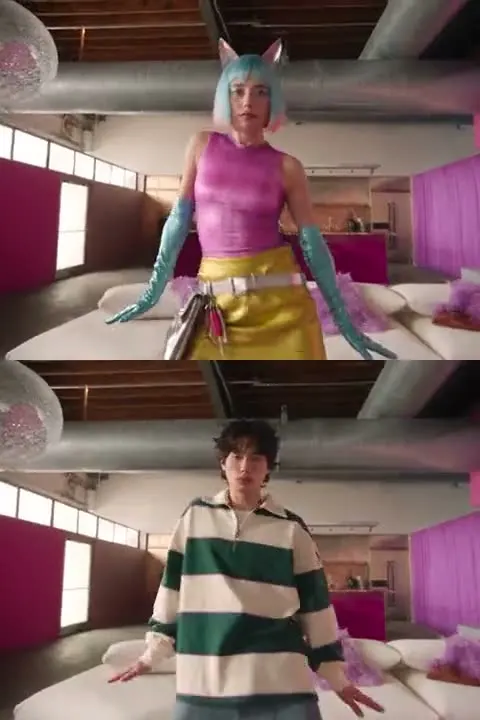
Genjutsu
AI Influencer in Any Video
Video → Video1 photo + 1 video
Higgsfield Genjutsu53 credits/s
Trend Videos
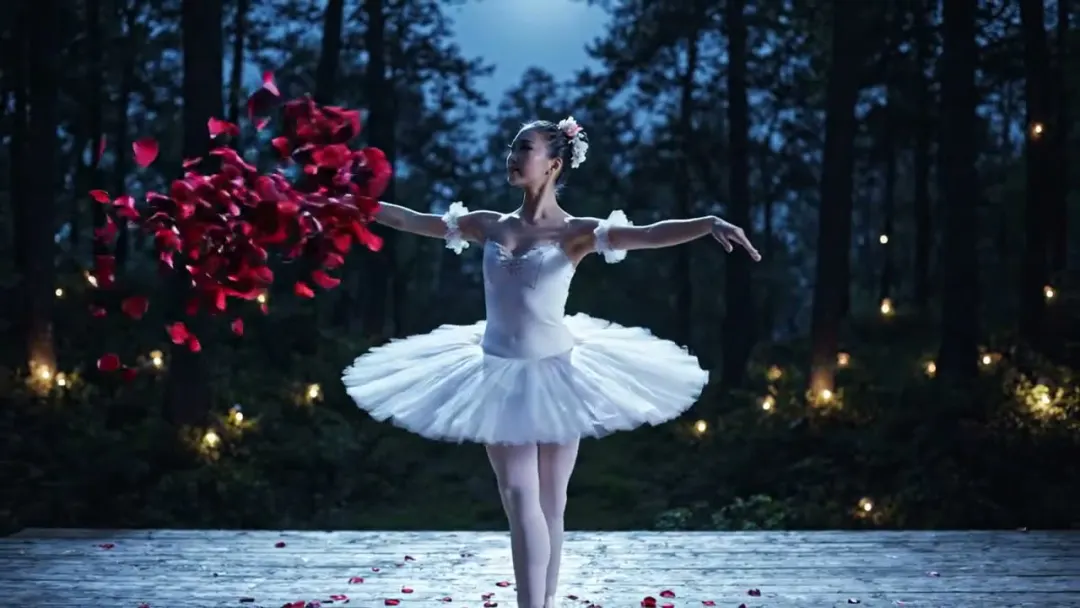
Moonlit Ballet
Motion included1 photo
Kling 3.0 Motion Control168 credits
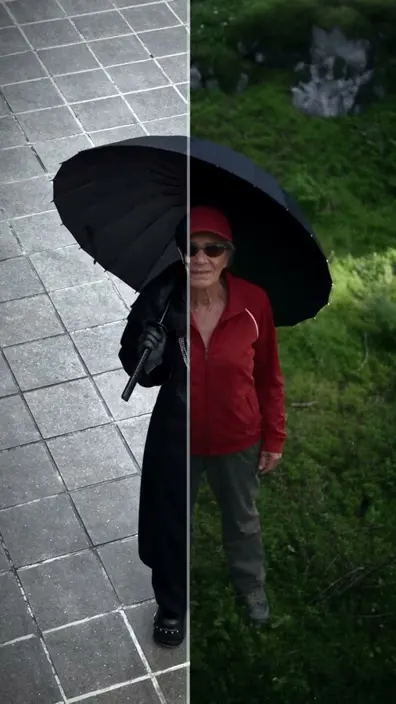
Genjutsu
Genjutsu Motion Transfer
Video → Video1 photo + 1 video
Higgsfield Genjutsu53 credits/s
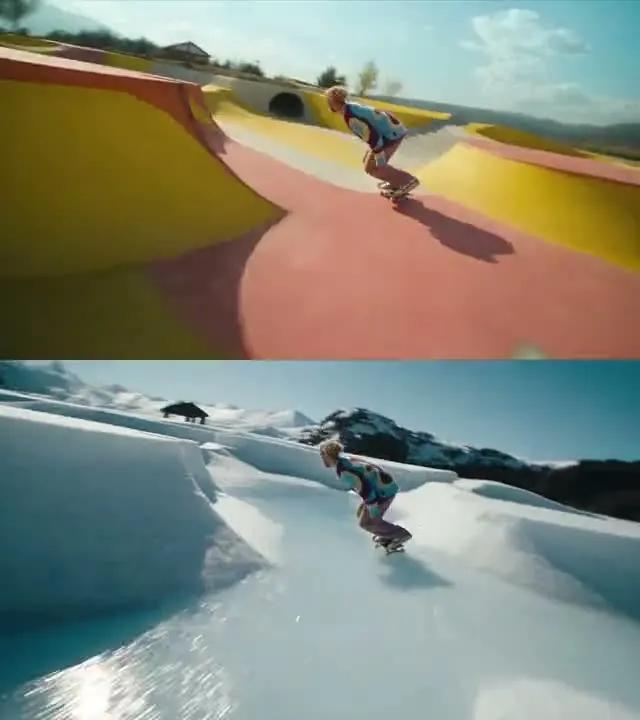
Genjutsu
Location Swap
Video → Video1 photo + 1 video
Higgsfield Genjutsu53 credits/s
Genjutsu
Cel-Shaded Anime
Video → Video1 video
Higgsfield Genjutsu53 credits/s
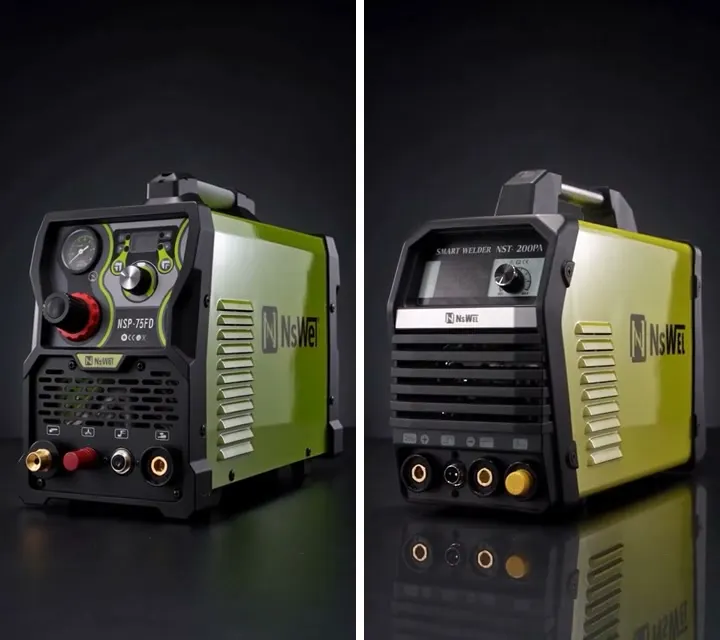
Genjutsu
Product Swap in Your Ad
Video → Video1 photo + 1 video
Higgsfield Genjutsu53 credits/s
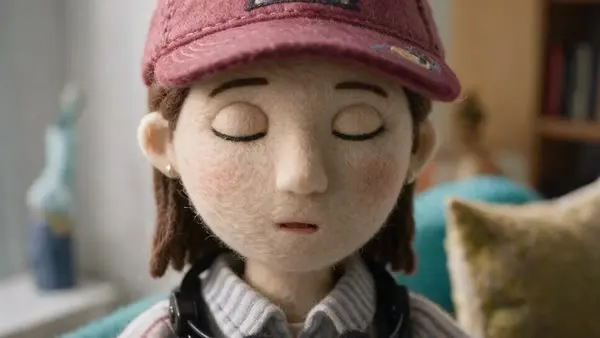
Genjutsu
Felt Puppet Stop-Motion
Video → Video1 video
Higgsfield Genjutsu53 credits/s
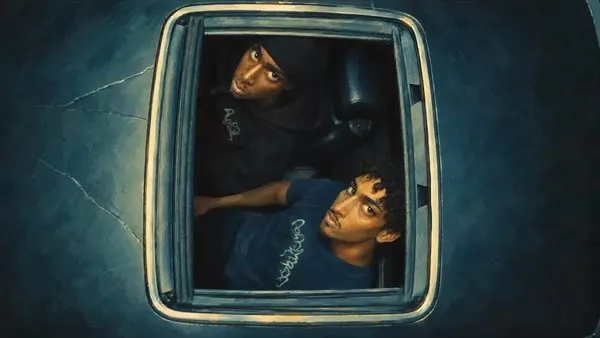
Genjutsu
Painted Sculpt Animation
Video → Video1 video
Higgsfield Genjutsu53 credits/s
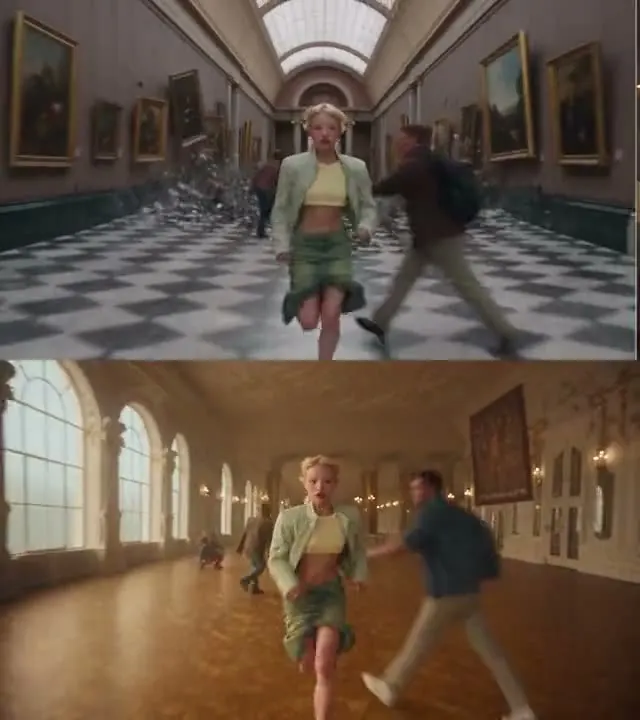
Genjutsu
Ad Multiplier
Video → Video1 photo + 1 video
Higgsfield Genjutsu53 credits/s
Frequently asked questions
What can I do with video to video?
You can change the style of a clip, replace elements in it or adjust the scene while keeping the original movement. Describe the change in words, just like when editing a photo.
What video can I upload?
Short clips work best; the maximum length and file size depend on the model and are shown in the studio. A stable, well-lit video gives cleaner results.
Which models edit video?
Seedance, Kling 3.0 Omni, MiniMax and Grok Imagine accept video input. The list below shows every model available for this mode.
How is the price calculated?
Video editing is priced in credits by model, duration and resolution; the exact cost is shown before you start.